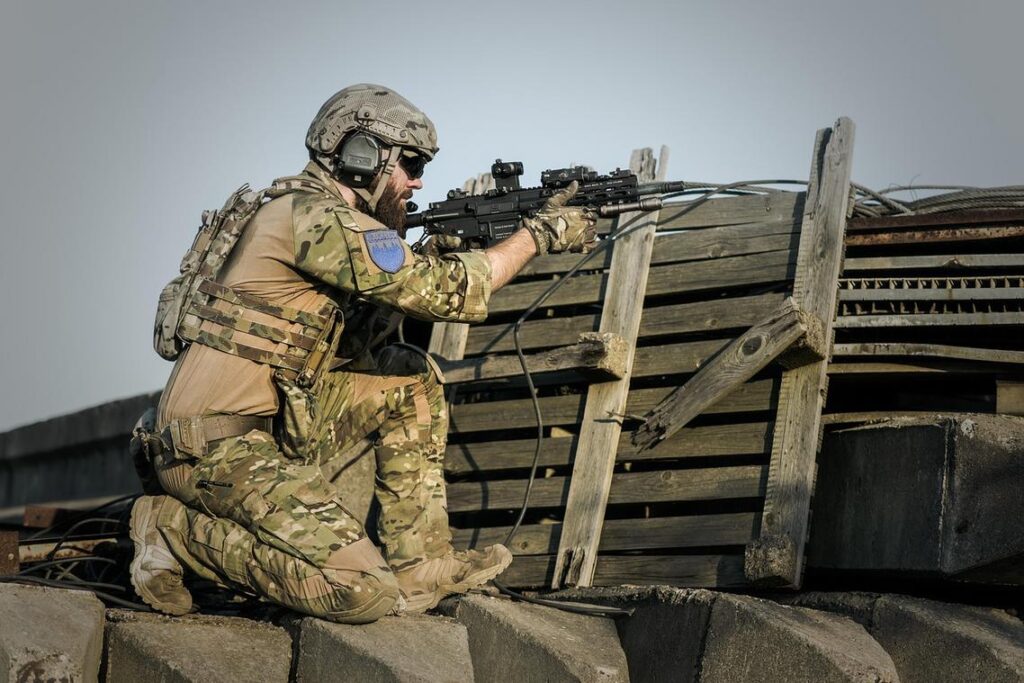
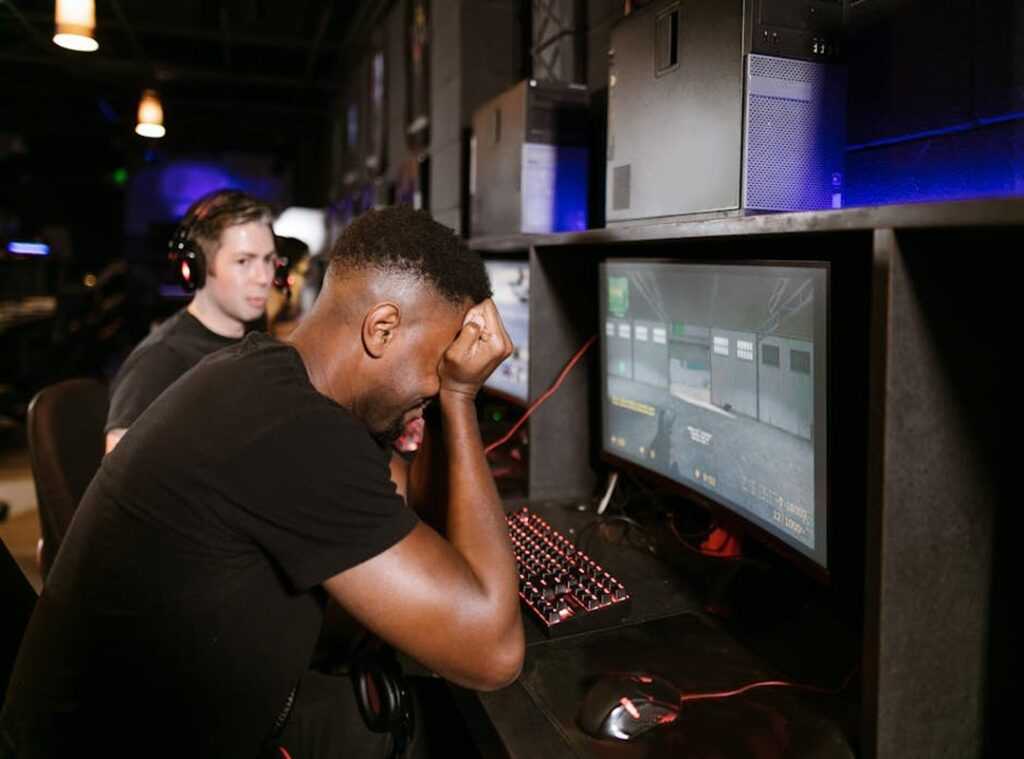
Ever lined up the perfect headshot, only to have it ruined by a sudden frame drop? I feel your pain. It’s like your PC decided to go for coffee mid-game.
We’re diving into gaming performance issues to get your rig back on track. With our experience in competitive gaming, where every millisecond counts, you’re in good hands. Forget fluff.
This guide is about giving you clear steps to eliminate lag and boost performance. Trust me, we’ve been through the grind and know what works. Ready to finally enjoy a smooth gaming experience?
Let’s fix this together.
The Usual Suspects: Pinpointing Your Performance Problem
Ever felt like your game is running in slow motion? Well, you’re not alone. “Bad performance” isn’t some mysterious gremlin. It’s a cocktail of problems.
Let’s break it down.
First up, Low FPS (Frames Per Second). Imagine your game turning into a slideshow. This isn’t an art installation, it’s a headache.
Usually, your computer (or “rig” as the cool kids say) is the culprit. Outdated graphics drivers can be a nightmare. Overly ambitious in-game settings?
Another classic blunder. Even those sneaky background apps can hog resources. It’s like trying to run a marathon with a backpack full of bricks.
Next, High Latency. Or, as I like to call it, the “delayed phone call” of gaming. You press a button, and your character moves… eventually.
It’s not your hardware’s fault. It’s your network. Actions not registering?
Players warping around like they’re in a sci-fi flick? That’s your internet laughing at you. It’s frustrating, I know.
Then there’s Stuttering and Freezing. Don’t mix these up with low FPS. Here, everything’s smooth until—BAM!.
A sudden pause. It’s like your game just hit a brick wall. Thermal throttling can cause this (when your PC overheats and decides it’s had enough).
Storage drives play a role too. HDD vs. SSD?
It’s not just alphabet soup. Software conflicts are yet another piece of the puzzle.
Now, you might be wondering, is there a fix? You bet. For a deeper dive into optimizing gaming setup performance, check this out.
It’s not magic, but it’s close.
In the end, understanding these gaming performance issues is the first step to smoother play. You don’t have to be a tech wizard. Just know where to look and what to tweak.
Ready to tackle those frame drops? Let’s do this.
Tuning Your Engine: Rev Up Your Game Settings
When it comes to fixing those annoying gaming performance issues, the first step is to get your software and system settings sorted. Before you dive into complex hardware fixes, let’s tackle the easy stuff.
The Graphics Settings Gauntlet. Ever felt like your game was moving slower than a sloth on a Sunday? I’ve been there.
Start by lowering Shadows, Anti-Aliasing, and Texture Quality. These settings have the biggest impact on performance. Trust me, your eyes won’t notice the difference as much as your frame rate will.
Driver Discipline. Keep your graphics drivers up to date. This is non-negotiable.
Nvidia, AMD, Intel. They release updates with specific optimizations for new games. It’s like getting a backstage pass to better performance.
Checking and installing these updates is simpler than you think. First, open your graphics control panel. Then, look for the update section.
Finally, hit that update button. It’s a quick win.
Let’s talk about banishing background bloat. Your computer’s Task Manager is your best friend here. Use Ctrl+Shift+Esc to pull it up and see what’s hogging resources.
Close those tab-heavy web browsers, streaming services, and anything cloud-syncing. You don’t need them when you’re gaming. That’s just digital noise dragging you down.
Windows Game Mode and Power Plans. These are easy switches for better performance. Let Windows Game Mode to prioritize gaming resources.
Also, set your power plan to ‘High Performance’ or ‘Ultimate Performance’. It’s like giving your PC a shot of espresso before the big race.
We’ve all faced days when the lag is just too much. Everyone’s got a story about a boss fight ruined by a sudden frame drop. But with these tweaks, you’ll be back in control.
For more tips and experiences from fellow gamers, check out discussions on gaming performance issues. You aren’t alone in this fight.
Pro tip? Regularly clean your setup. Dust can be a silent killer of performance.
Think of it like a scene from “The Walking Dead” where every little bit of grime must be cleared for survival. Keep your gear clean and your games running smooth.
Conquering Connection Chaos: Network Optimization 101
Let’s be real. Gaming performance issues can ruin a good session faster than a noob in a boss fight. You’re in the middle of an epic battle, and bam (lag) hits.

Ever thought about the difference a wired connection makes? It’s like comparing a sports car to a skateboard. Wired Ethernet gives you stability and consistency. Wi-Fi?
Not so much.
But I get it. Sometimes Wi-Fi is your only option. If that’s the case, you’ve got to make the most of it.
Switch to the 5GHz band (if your router supports it) and move closer to the router. Simple tweaks, but they can make a world of difference.
Choosing the right server in multiplayer games is like picking your team in dodgeball. Always go for the lowest ping, even if it means picking a server outside your region. It’s a game-changer.
Trust me, I’ve been there, stuck in lag hell because I didn’t bother to check the server location.
Ever heard of the “turn it off and on again” trick? Yeah, it sounds too easy, but seriously, restarting your router and modem clears out temporary glitches. It’s like giving your connection a little nap.
Works wonders.
Now, let’s talk about Quality of Service (QoS). It’s an advanced setting on your router that can prioritize gaming traffic over other household activities. Imagine having a VIP pass while everyone else waits in line.
QoS can be your secret weapon to improve your gaming experience.
Looking for more tips? You can find strategies to boost fps reduce lag games. It’s all about taking control and optimizing your setup.
Because who wants to lose a game thanks to network hiccups? Not you, that’s who.
The Final Boss: When Hardware Holds You Back
Ever felt like you’re battling the final boss in a game, but your hardware is the real enemy? I’ve been there. You tweak, you improve, but your rig just groans under the load.
It’s frustrating, right? Before you start throwing money at the problem, let’s talk reality. Older hardware will struggle with new games, no matter what software magic you try.
Know your components! Your CPU, GPU, and RAM are the heart of your system. When they age, performance dips.
And here’s a quick tip: check your PC’s temperature. Dust-clogged fans lead to thermal throttling, which is just a fancy way of saying your PC’s overheating and slowing down. Clean those fans!
Thinking of upgrading? Prioritize. A dedicated GPU often gives the biggest boost.
Then look at RAM. 16GB is today’s baseline. Last, consider a faster CPU. Remember, not every performance issue is a software tweak away.
Sometimes, it’s all about the hardware.
Ready to Own the Arena?
Struggling with gaming performance issues? It sucks. But now, with the right tweaks, you’re in control.
No more lag. Just smooth, immersive play. So, what are you waiting for?
Go crush that next match! Your victory awaits. Stop reading, start playing, and dominate.
Ready, set, game!
 Gameplay Analyst
Kyle Kneekeldis has opinions about 2876 multiplayer arena tactics. Informed ones, backed by real experience — but opinions nonetheless, and they doesn't try to disguise them as neutral observation. They thinks a lot of what gets written about 2876 Multiplayer Arena Tactics, Competitive Strategy Breakdowns, Digital Realms and Gameplay Basics is either too cautious to be useful or too confident to be credible, and they's work tends to sit deliberately in the space between those two failure modes.
Reading Kyle's pieces, you get the sense of someone who has thought about this stuff seriously and arrived at actual conclusions — not just collected a range of perspectives and declined to pick one. That can be uncomfortable when they lands on something you disagree with. It's also why the writing is worth engaging with. Kyle isn't interested in telling people what they want to hear. They is interested in telling them what they actually thinks, with enough reasoning behind it that you can push back if you want to. That kind of intellectual honesty is rarer than it should be.
What Kyle is best at is the moment when a familiar topic reveals something unexpected — when the conventional wisdom turns out to be slightly off, or when a small shift in framing changes everything. They finds those moments consistently, which is why they's work tends to generate real discussion rather than just passive agreement.
Gameplay Analyst
Kyle Kneekeldis has opinions about 2876 multiplayer arena tactics. Informed ones, backed by real experience — but opinions nonetheless, and they doesn't try to disguise them as neutral observation. They thinks a lot of what gets written about 2876 Multiplayer Arena Tactics, Competitive Strategy Breakdowns, Digital Realms and Gameplay Basics is either too cautious to be useful or too confident to be credible, and they's work tends to sit deliberately in the space between those two failure modes.
Reading Kyle's pieces, you get the sense of someone who has thought about this stuff seriously and arrived at actual conclusions — not just collected a range of perspectives and declined to pick one. That can be uncomfortable when they lands on something you disagree with. It's also why the writing is worth engaging with. Kyle isn't interested in telling people what they want to hear. They is interested in telling them what they actually thinks, with enough reasoning behind it that you can push back if you want to. That kind of intellectual honesty is rarer than it should be.
What Kyle is best at is the moment when a familiar topic reveals something unexpected — when the conventional wisdom turns out to be slightly off, or when a small shift in framing changes everything. They finds those moments consistently, which is why they's work tends to generate real discussion rather than just passive agreement.